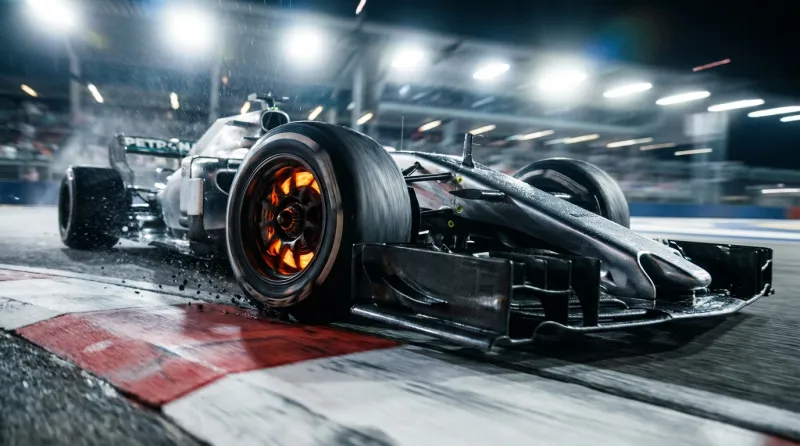
Vintage Football to Cinematic Remaster
Transform an old football photograph into a modern cinematic masterpiece using Nano Banana Pro's i2i capabilities, preserving every detail while upgrading medium and quality.
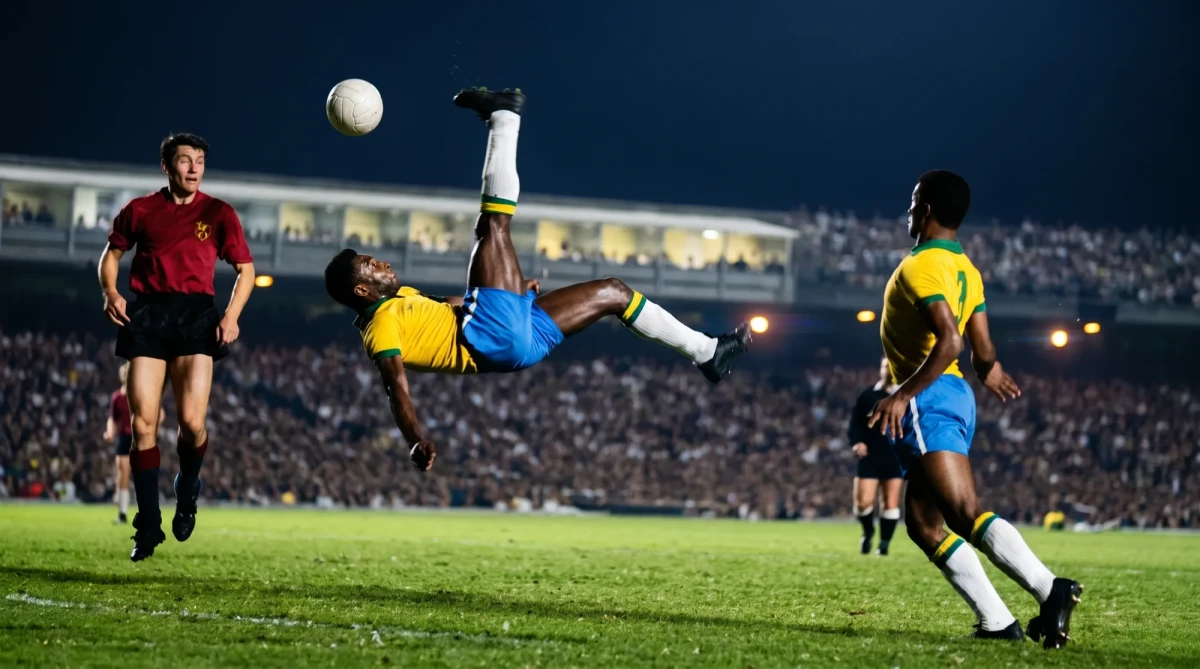
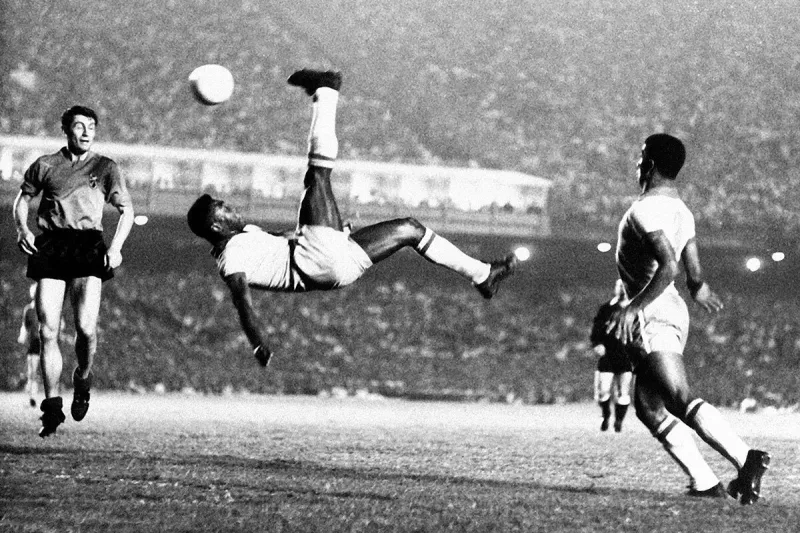
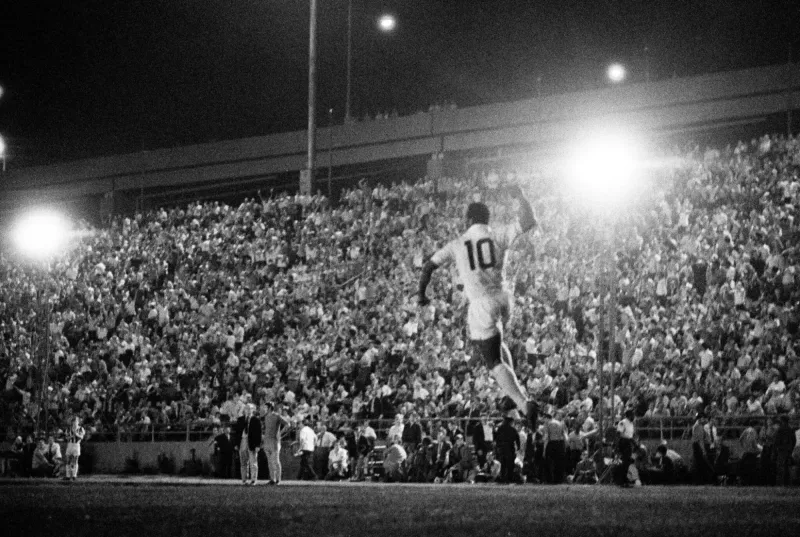
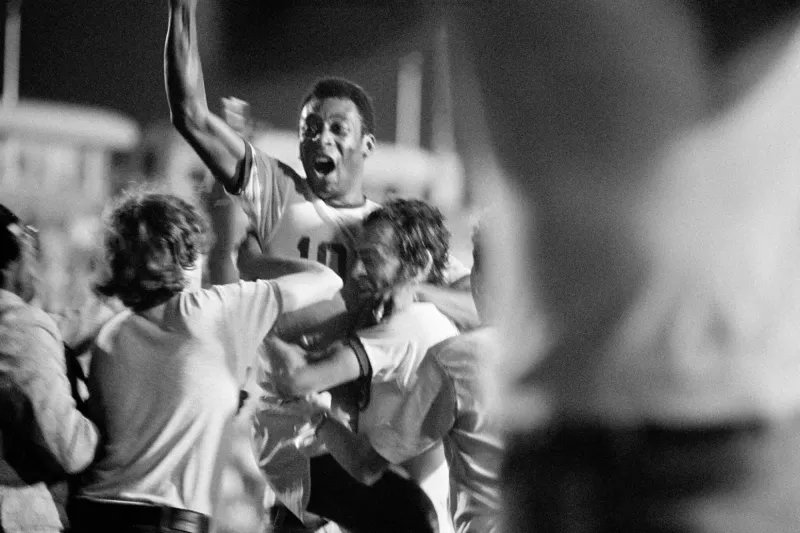
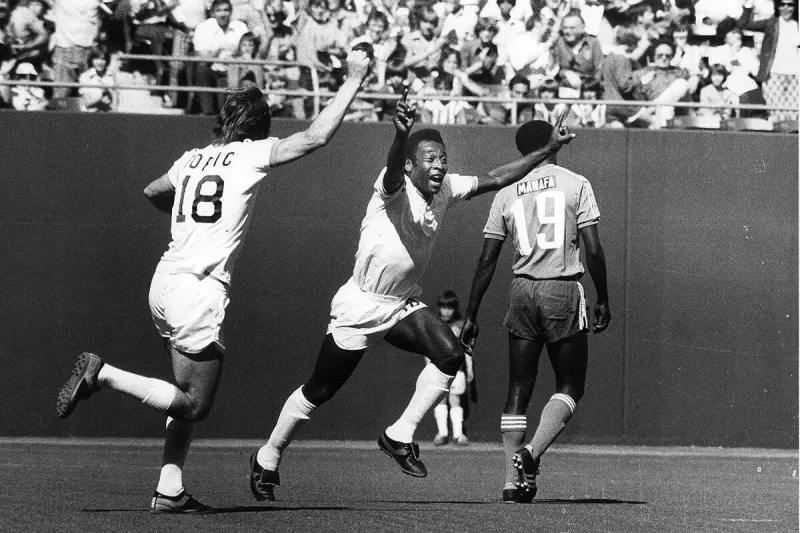
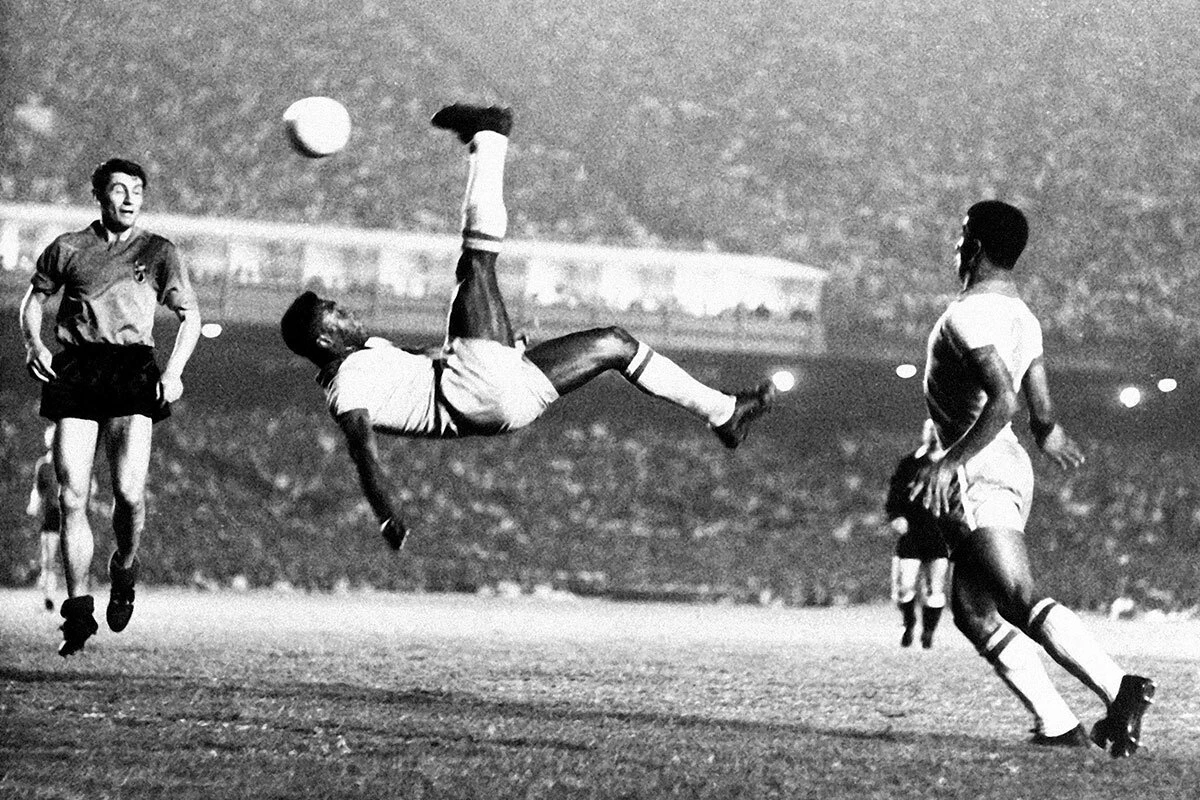
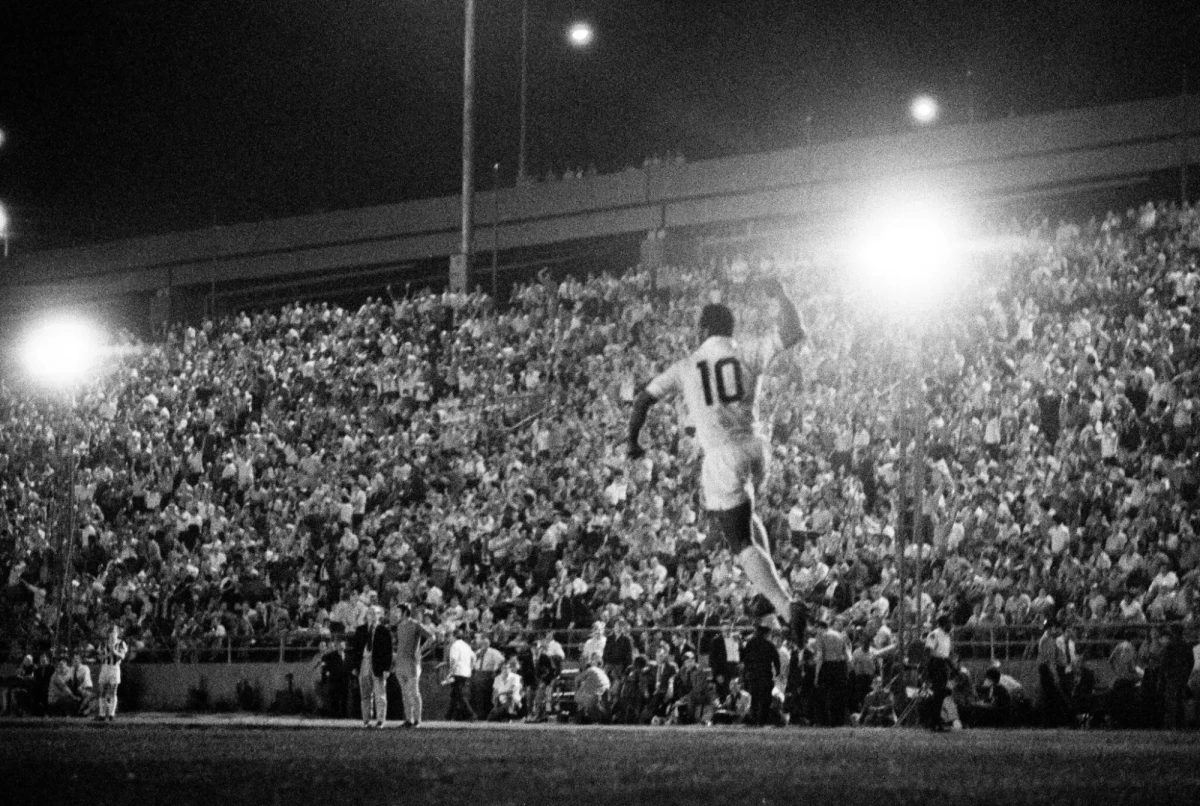
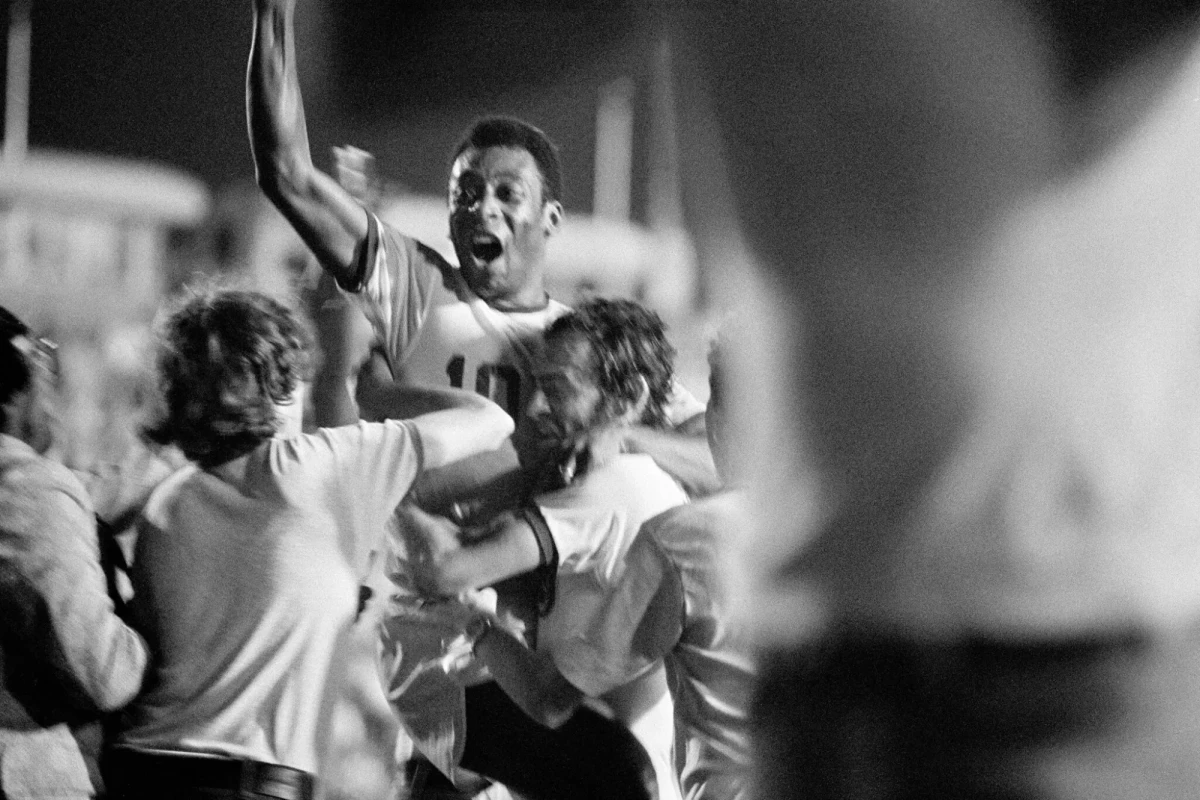
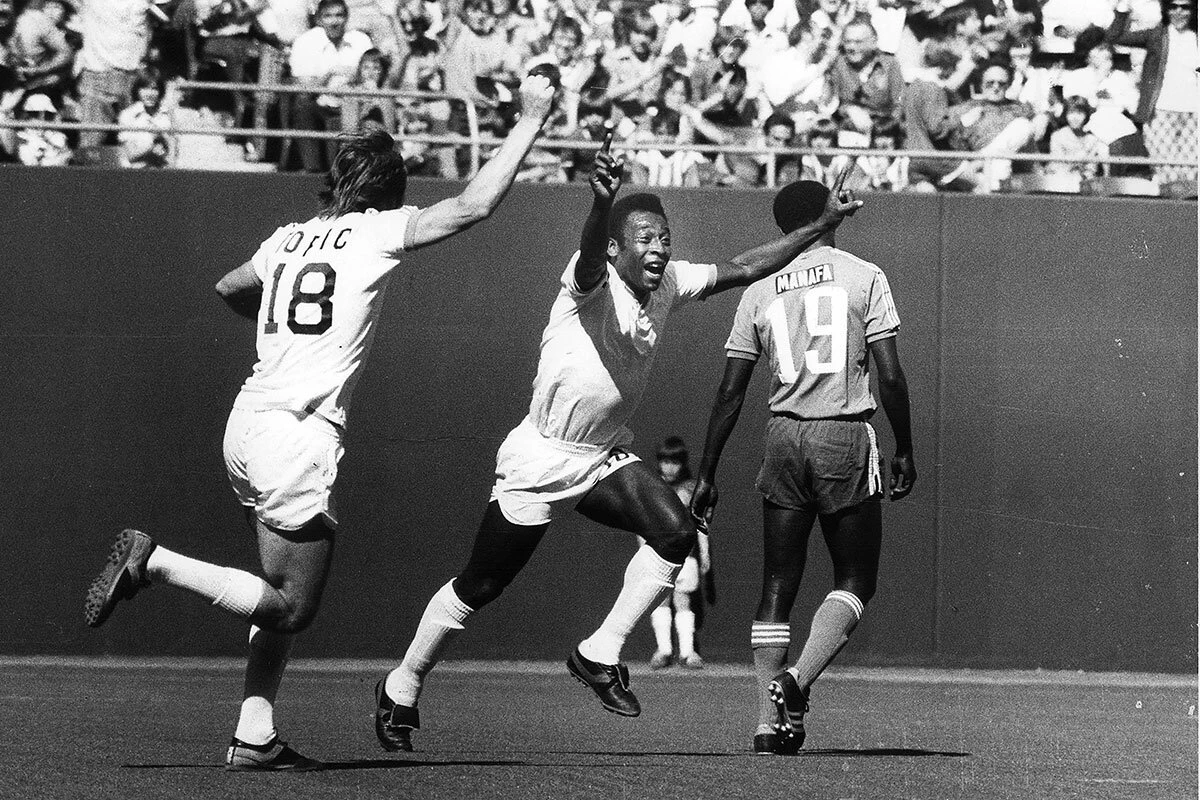
Remaster this vintage football photograph into a modern, high-end cinematic image shot on professional 2026 camera technology — as if the exact same moment were captured today on a Sony α1 with a 400mm f/2.8 telephoto lens. Treat the uploaded photo as a strict reference: do NOT change the composition, framing, poses, body positions, motion, faces, number of people, or background layout. Preserve every subject and their exact action. Only upgrade the image medium, quality, and add accurate color.

[STRICT PRESERVATION]: Keep all faces, expressions and identities exactly as in the reference. Keep the same camera angle, same crop, same player positions, same crowd, same stadium structure. This is a quality remaster, not a new scene.

[KIT LOCK — PER PLAYER, IMPORTANT]: Identify every player in the foreground and assign colors strictly by role — do NOT default them all to white. For each player, state position, team and exact kit colors, for example:
- Main player (describe pose/number) → [TEAM A] kit: [primary jersey color], [shorts color], [socks color].
- Teammate (describe pose/number) → SAME team, identical [TEAM A] kit colors.
- Opponent (describe pose/number) → [TEAM B] kit: [a clearly different, specific color — e.g. sky-blue jersey, white shorts].
Teammates must wear identical kit. Opponents must wear a clearly different, specific color. Players on the same team must match; opposing players must not.

[MEDIUM UPGRADE]: Replace the old photographic look with modern professional capture — clean, sharp, high dynamic range. Remove vintage grain, fading and softness. Render full natural color: rich green grass, natural warm skin tones, lifelike period-accurate crowd. Hyperrealistic detail — visible skin pores, individual hair strands, fabric weave on the jerseys, droplets and grass particles rendered crisp.

[LIGHTING & OPTICS]: Re-light the existing scene with cinematic motivated lighting that respects the original light direction (daylight, sunset, or floodlight as in the reference). Professional telephoto compression, shallow depth of field separating the subject from a softly blurred background, controlled bokeh on the crowd and stadium lights. Clean highlight roll-off, deep but detailed shadows, subtle rim light defining the subjects.

[COLOR & ATMOSPHERE]: Modern cinematic color grade — gentle temperature conflict between cool ambient shadow and warm key light, deep contrast, filmic but clean. Luxury sports editorial aesthetic, hyperrealistic, cinematic atmosphere, very fine modern film grain only. The result should look like a frame from a prestige 2026 World Cup campaign shot on flagship cinema equipment — while remaining the identical moment as the reference. Preserve original aspect ratio.

[FINAL CHECK]: Confirm every player's kit color matches their team and that teammates share identical colors while opponents differ. The main player's jersey must NOT be rendered white by default. Verify before finishing.
Guide & Practical Tips
What this prompt does
This is an image-to-image remaster prompt. It takes a vintage black-and-white (or faded color) football photograph and rebuilds it as a modern, fully-colored cinematic frame — as if the same moment had been shot today on flagship 2026 camera equipment. The original composition, faces, poses and action stay untouched. Only the medium changes: grain, color, dynamic range and optical quality are upgraded to a luxury sports-editorial look.
This is the opposite of an archival restoration. A restoration keeps the vintage texture; this prompt removes it and replaces the old photographic look with a clean, contemporary one.
How to use it
- Upload the source photo as your reference image. The prompt only works in image-to-image mode — it has nothing to render without a reference.
- Edit the
[KIT LOCK]block to match your specific photo. This is the one block you must customize every time. Replace the example lines with the real players in your frame. - Set the light note in
[LIGHTING & OPTICS]to match the original — daytime, sunset, or floodlit night. Don't invent a light direction the photo doesn't have, or the frame will shift. - Generate, then check the
[FINAL CHECK]conditions against your result — especially kit colors.
The kit-color trap (read this)
The single most common failure: on a black-and-white source, all light-colored jerseys read as the same tone, so the model paints every player white and you lose the teams. Fix it with three habits:
- Name each player by position or shirt number ("center player, number 10", "left player, number 18"). Models read jersey numbers reliably and anchor color to them.
- State who is a teammate and who is an opponent, explicitly. "Players 10 and 18 are teammates" prevents the model from treating each figure independently.
- Give opponents a specific color, never "different" or "opposing." Abstract instructions get ignored and default back to white. Say "sky-blue jersey," "dark red," "orange" — a concrete value.
The color instruction is repeated three times on purpose — in [KIT LOCK], and again in [FINAL CHECK]. Models weight the beginning and end of a prompt most heavily, so the critical fact lives in both places.
Keeping the frame locked
If the model starts altering faces or poses, strengthen the preservation by adding identity-locked, inpaint-quality enhancement only, do not regenerate faces to the [STRICT PRESERVATION] block. The goal is a quality pass over the existing pixels, not a reimagining.
Best use cases
- Remastering legendary archival sports moments into modern campaign stills
- "Then vs now" comparison sets — pair this remaster with the original for a striking before/after
- Any historical photo where you want contemporary image quality without changing the content
Common mistakes
- Running it without a reference image — there's nothing to remaster.
- Leaving the
[KIT LOCK]block generic — always rewrite it for the actual players in your frame. - Inventing new light — respect the original light direction or the scene drifts.
- Asking for "no grain at all" — a perfectly clean image looks artificial. Keep "very fine modern film grain" for a filmic, expensive feel.
You might also like
Victorious Football Player Roaring Under Pyrotechnic Flares
Nano Banana
Gritty Soccer Slide Tackle in Rain
Nano Banana
Chiaroscuro Portrait with Amber Rim Light
Nano Banana
Weeping Football Champion: Macro Trophy Portrait
Nano Banana
Opulent Baroque Perfume Still Life Prompt
GPT Image 2
Cyber-Baroque Ethereal Portrait with Crystal Veil
Nano Banana
Underground Bare-Knuckle Fight AI Prompt
Nano Banana