Post-Apocalyptic Robot Bear Wasteland AI Prompt
A cinematic post-apocalyptic scene with a colossal rusted robotic bear head half-buried in ash, facing a lone human figure in a smoky wasteland.

Prompt Body
A dark cinematic post-apocalyptic wasteland scene. On the right side of the frame, a colossal robotic bear head lies collapsed on its side, half-buried in ash and debris. The giant structure is heavily rusted and battle-damaged, with angular metal ears, a worn faceplate, exposed inner mechanisms, and two glowing blue optical sensors that remain active. Near the center-left foreground stands a lone human figure facing the fallen machine, back turned slightly toward the camera, emphasizing the dramatic scale difference. The human is surrounded by scorched earth, broken metal fragments, abandoned barrels, and small pockets of fire burning across the ground. In the midground and background, wreckage and smoke spread across the barren landscape. Thick black smoke billows upward into a dim, oppressive sky, while orange embers drift through the air. The composition should feel wide, grounded, and spatially clear, with the mechanical head occupying most of the visual weight and the human figure serving as the emotional anchor. Use a low-angle wide shot, around 28mm lens language, to create scale and tension. Strong atmospheric depth, volumetric smoke, cinematic firelight, cold blue eye glow, detailed rust, soot, ash, and distressed metal surfaces. The mood is bleak, smoky, epic, and lonely, like the aftermath of a catastrophic battle. Photorealistic, highly detailed, cinematic realism, clear subject separation, no text, no logo, no watermark.
Rate this prompt:
Guide & Practical Tips
How to use this prompt
Copy the full description into the prompt field or first message. This prompt is written as a single natural-language scene description, which works well with Seedream 5.0 Pro's photorealistic rendering. Avoid splitting it into comma-separated keyword dumps. If you want to iterate, change one block at a time — for example, replace the mood or camera language while keeping the subject and composition intact.
Best use cases
- Album covers, book covers, and cinematic posters
- Concept art for post-apocalyptic games or films
- Sci-fi social media visuals and YouTube thumbnails
- Desktop wallpapers with a strong narrative mood
- Worldbuilding references that need a clear sense of scale
What to adjust
- Change the robot bear head to another machine type, such as a wolf, tank, or war machine.
- Adjust the human figure: add clothing, a weapon, a gas mask, or turn them into a small silhouette.
- Modify the color palette: keep orange firelight and blue eye glow, or switch to cold overcast lighting.
- Replace the 28mm wide-angle language with 50mm compression for a more intimate feel.
- Use 16:9 for cinematic widescreen, 21:9 for film stills, or 9:16 for vertical key art.
- If the smoke feels too thick, specify "clearer air" or "patchy smoke".
Common mistakes
- Adding too many characters or actions; this scene works best as a monumental, quiet moment.
- Making the robot head look too clean; keep rust, scratches, exposed wiring, and battle damage.
- Losing the human figure in the background; keep them clearly in the foreground as the emotional anchor.
- Adding text, logos, or watermarks in the prompt; the image should stay clean and cinematic.
Variations
- Daylight version: same composition with overcast sky, pale light, and less fire.
- Night version: stronger blue eye glow, darker smoke, and barely visible stars.
- Heroic version: the human holds a torch or stands with a weapon, with warmer firelight.
- Concept art version: replace "photorealistic" with "detailed concept art, matte painting style".
- Desaturated version: remove the orange fire and use a gray palette with only the blue eyes as color.
You might also like
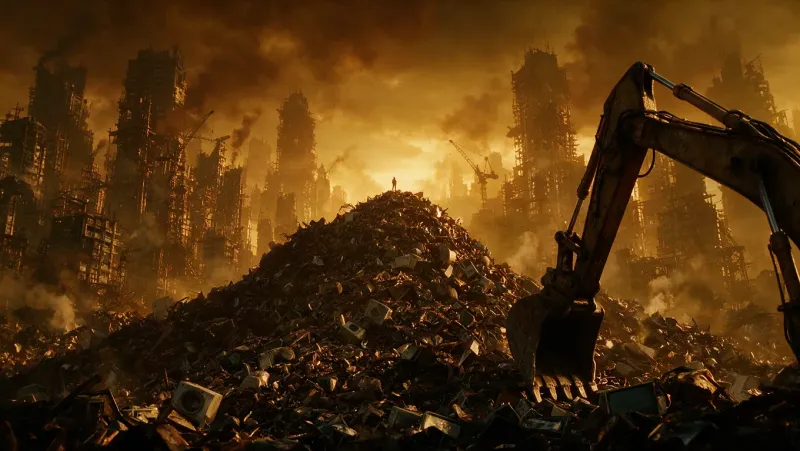
Post-Apocalyptic Wasteland Cinematic Wide Shot
Seedream 5.0 Pro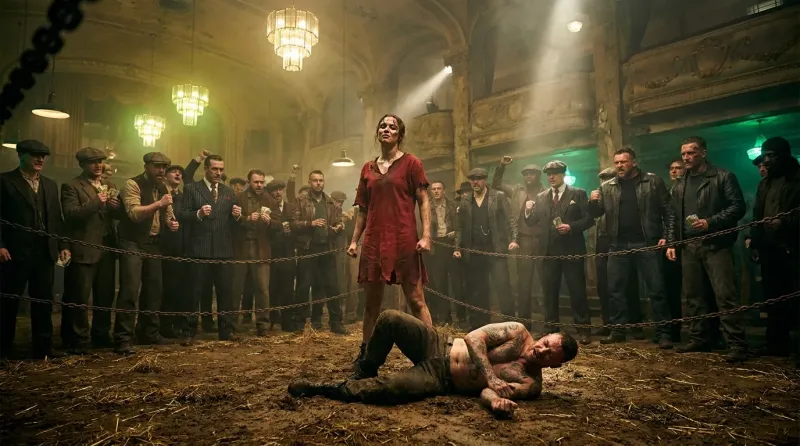
Underground Fight Club Cinematic Wide Shot Prompt
Nano Banana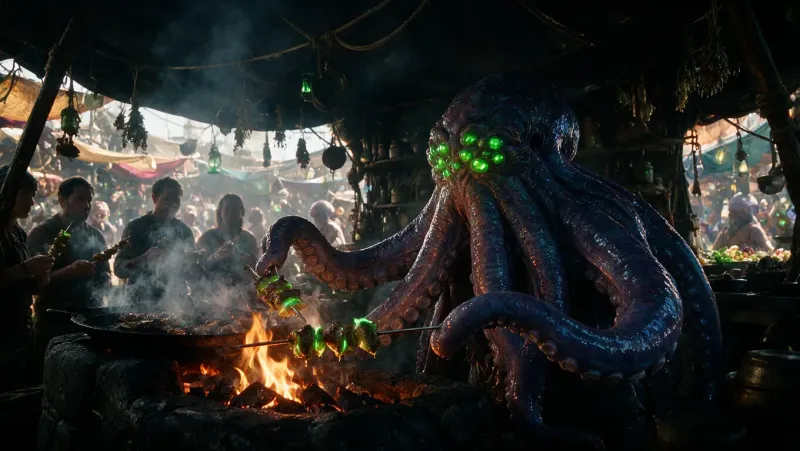
Alien Food Market Vendor – Cinematic Sci-Fi Bazaar Prompt
Seedream 5.0 Pro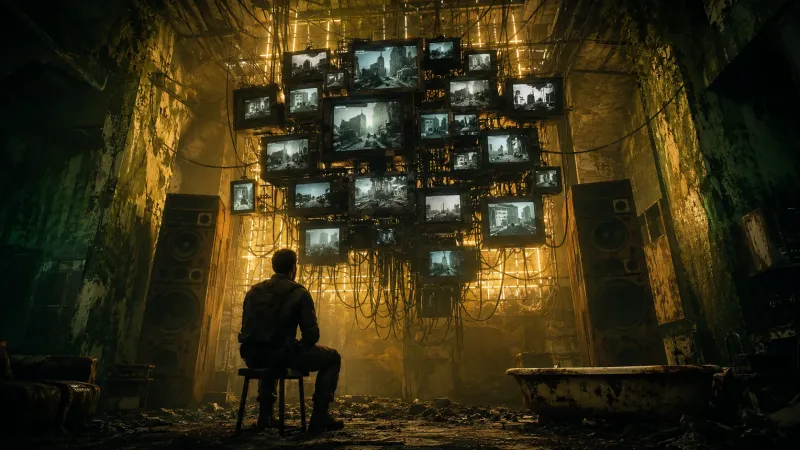
Post-Apocalyptic Neon Hideout Cinematic Prompt
GPT Image 2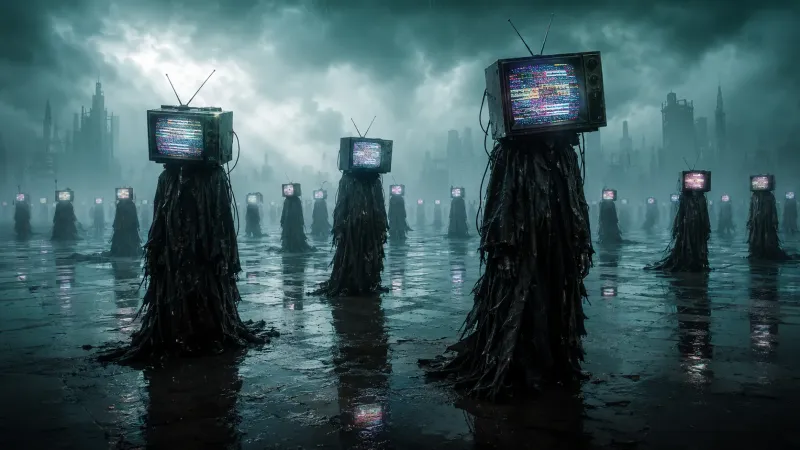
Surreal Dystopian TV-Head Figures Prompt
GPT Image 2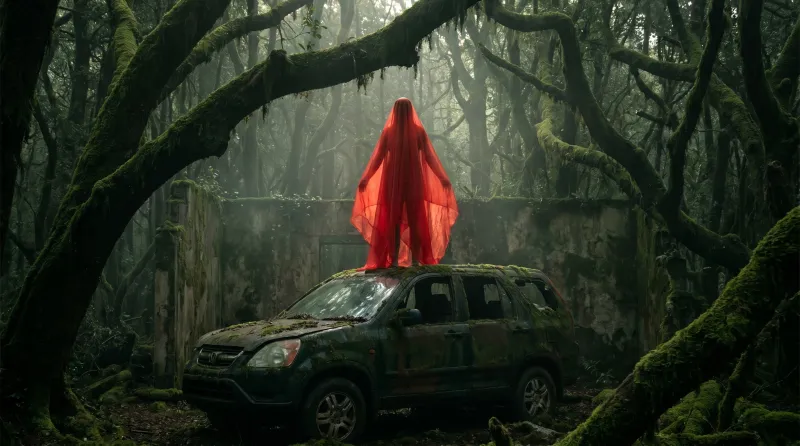
Haunting Red Figure on Abandoned SUV in Forest
Nano Banana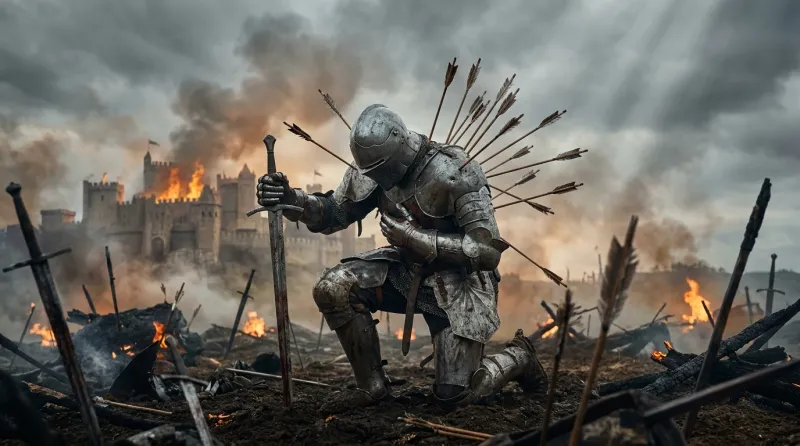
Defiant Knight on a Battlefield – Cinematic Prompt
Nano Banana