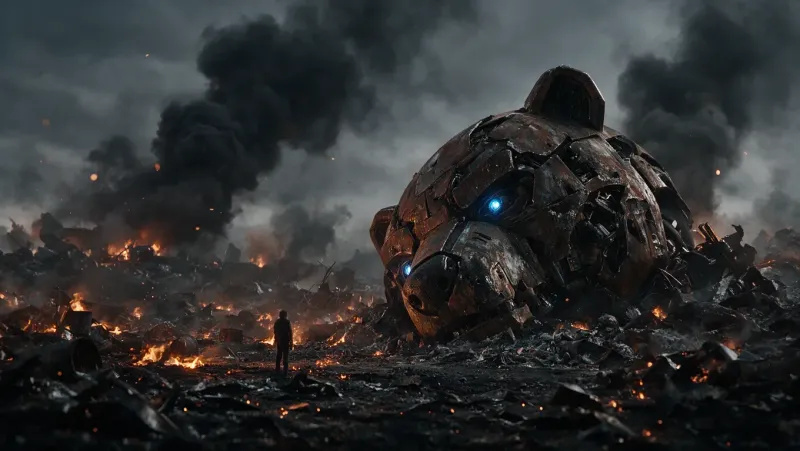
Defiant Knight on a Battlefield – Cinematic Prompt
A cinematic prompt for a battle-weary knight kneeling among arrows before a burning castle, with dramatic volumetric light and a tragic, epic mood.
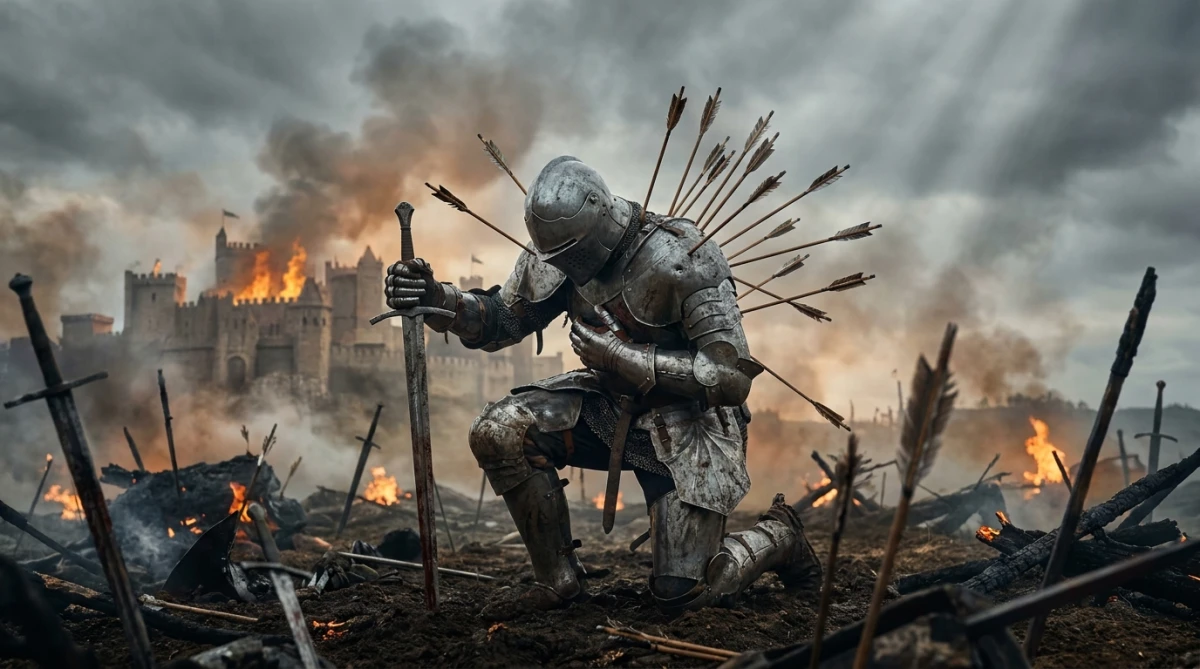
[SUBJECT & ACTION]: A heavily armored knight kneels on one knee in the middle of a devastated battlefield. Dozens of arrows are embedded in his back, shoulders and helmet. He still grips a longsword with the tip resting on the ground, his other hand near his chest. His posture is exhausted but unbroken.

[COMPOSITION & SCALE]: Low-to-medium cinematic shot with the knight as the clear focal point. In the background a large castle burns under a heavy, smoke-filled sky.

[LIGHTING & OPTICS]: Dramatic overcast light with soft volumetric beams breaking through the smoke. Warm orange glow from the distant fires contrasts with the cool grey atmosphere.

[COLOR & ATMOSPHERE]: Gritty, tragic and epic battlefield mood. Rich textures of dented and dirty plate armor, wooden arrow shafts, scorched earth and rising smoke. Cinematic sense of scale, loss and quiet defiance.
Guide & Practical Tips
How to use this prompt
Copy the structured block into Nano Banana and keep the [SECTION] labels intact. This prompt is built for Nano Banana's structured style: subject, composition, lighting, and color. If the model distorts the knight's posture, reinforce the pose: “kneeling on one knee, head slightly bowed, back arched under the weight of the arrows.” If the castle burns too weakly, increase the fire description: “large scale fire, embers rising from the rooftops.” For best results, generate at 16:9 for a cinematic wide frame, or 21:9 for an anamorphic film look.
Best use cases
This prompt works great as a book cover, game key art, a cinematic still for a fantasy short film, a poster for a medieval RPG, or a dramatic scene in a visual novel. It also suits social media banners and YouTube thumbnails when the theme is battle, sacrifice, or perseverance. Use it as concept art for game development.
What to adjust
- Replace the longsword with a warhammer, axe, or torn banner to change the story.
- Change the enemy: instead of arrows, use spears or bloodied claw marks on the armor.
- Modify the sky: a blood-red sunset, green toxic haze, or snowstorm changes the mood completely.
- Increase or decrease the “exhausted” posture. For a more heroic version, raise the knight's head and show lit eyes behind the helmet.
- Swap the castle for a burning village, cathedral, or fleet of ships to alter the setting.
- Adjust the warm/cool contrast: more orange makes it hopeful, more grey makes it tragic.
Common mistakes
- Overloading the scene with too many combatants. The prompt is about one knight; adding crowds dilutes the “quiet defiance” theme.
- Making the arrows look sterile and clean. Request “wooden shafts, broken fletching, dented metal” to keep the gritty texture.
- Using a camera angle too high. A low-to-medium shot keeps the knight as the focal point and adds dignity.
- Forgetting the warm/cool color contrast. It is the main driver of the atmosphere.
Variations
- “Last Stand” variation: the knight has dropped the sword and is tying a torn cloth around a wound.
- “Honored Fall” variation: the knight is surrounded by fallen banners and a single beam of god light from above.
- “Snow Battlefield” variation: replace smoke with falling snow and the castle with frozen ruins.
- “Fantasy vs Sci-Fi” variation: replace arrows with glowing plasma bolts and the castle with a crashed ship.
You might also like
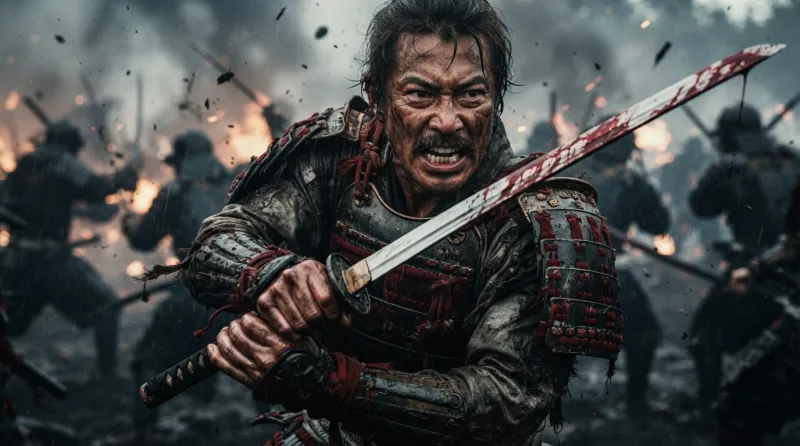
Fierce Samurai Battle in Gritty Cinematic Style
Nano Banana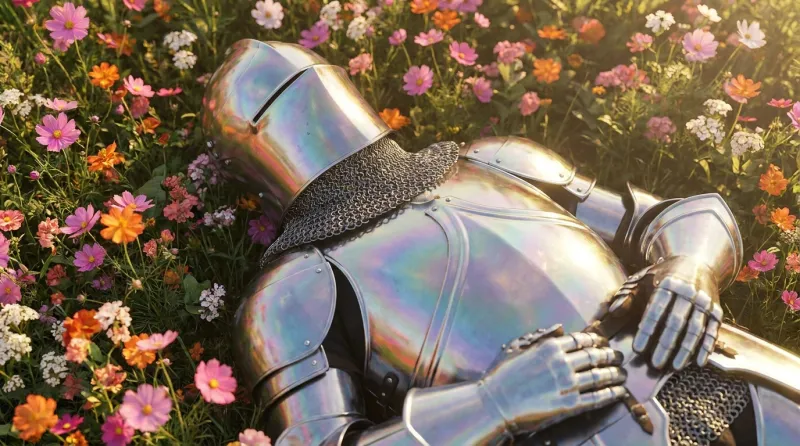
Knight in Wildflowers: Cinematic Armor Prompt
Nano Banana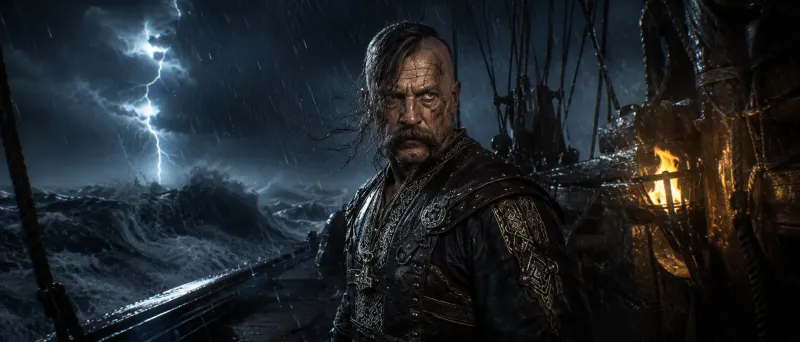
Fierce Cossack-Viking Chief in Storm
GPT Image 2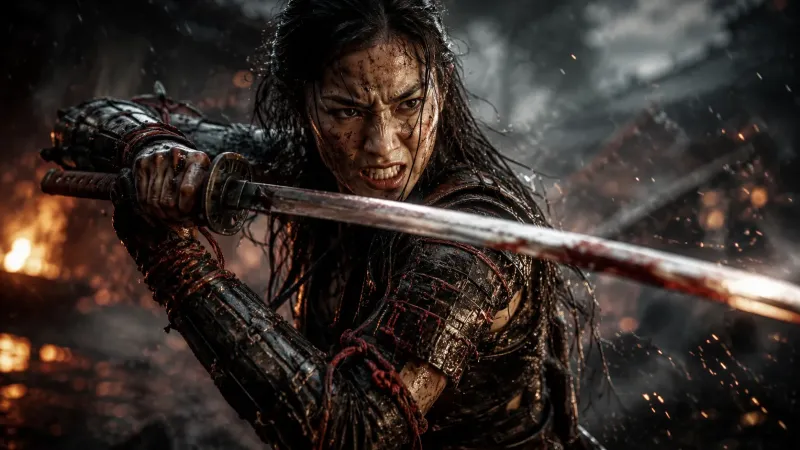
Fierce Female Samurai in Gritty Battle Scene
GPT Image 2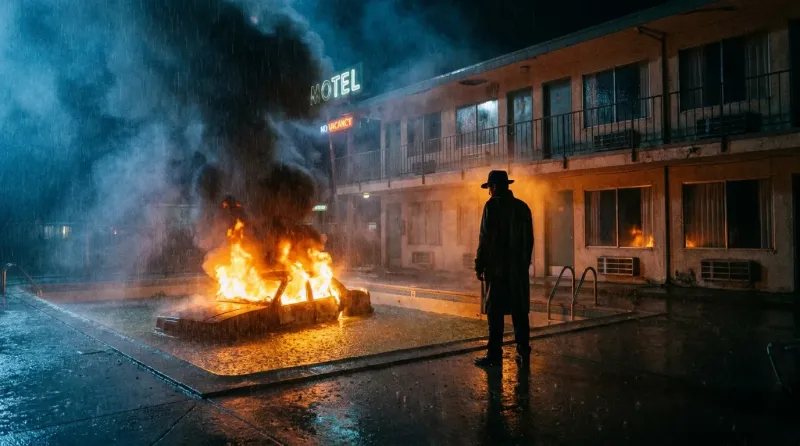
Cinematic Neo-Noir Motel Fire Prompt
Nano Banana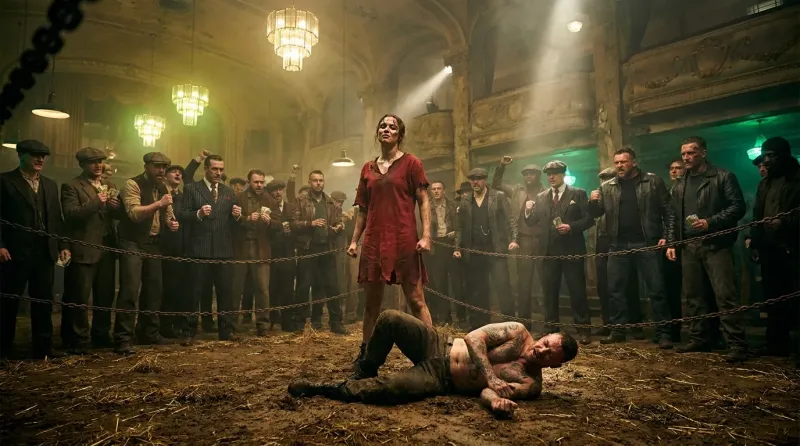
Underground Fight Club Cinematic Wide Shot Prompt
Nano Banana
Dark Fantasy Forest Queen with Crystalline Crown
GPT Image 2