Apocalyptic Sandstorm Face-off Prompt
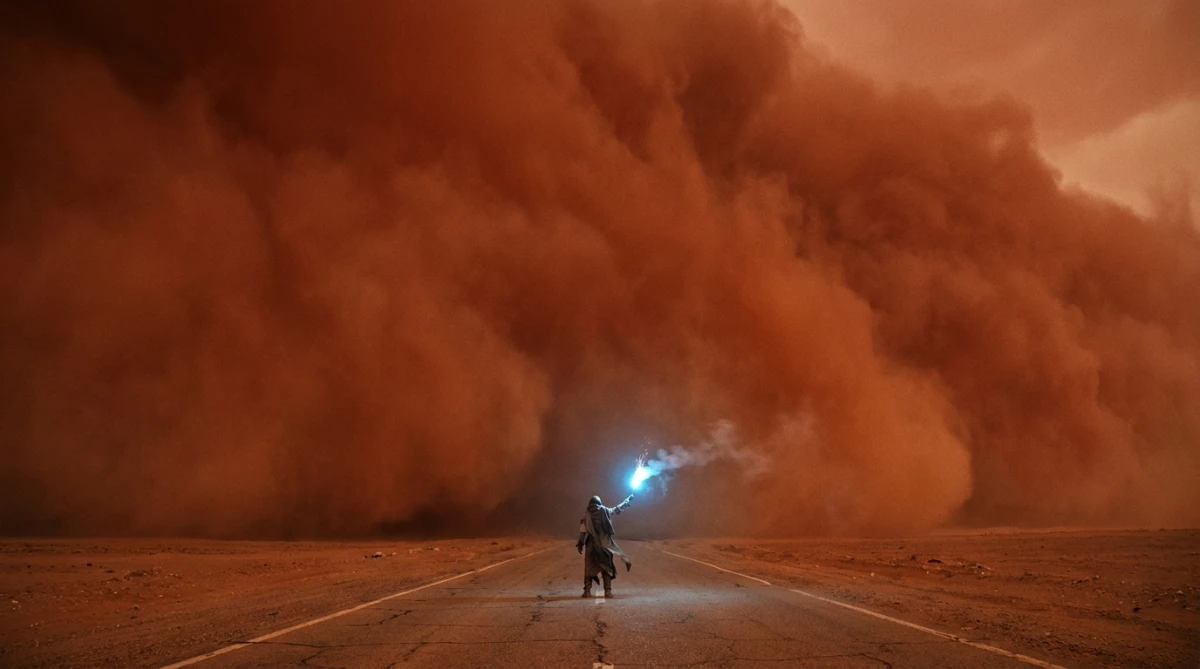
A cinematic AI prompt for an epic wide shot of a lone nomad facing a towering red sandstorm, illuminated by a blue flare. Perfect for dramatic storytelling.
Prompt Body
[SUBJECT & ACTION]: An epic, terrifyingly monumental wide shot of a tiny, solitary nomad standing on a cracked desert highway, looking up at a miles-high, apocalyptic wall of a churning red sandstorm that is seconds away from swallowing them.
[COMPOSITION & SCALE]: The nomad is positioned in the extreme lower-center foreground, holding a single, brightly burning blue signal flare high above their head. The towering sandstorm occupies $90\%$ of the frame, curving over the sky like a solid, moving mountain of dust.
[LIGHTING & OPTICS]: Shot on ARRI Alexa 65 with a $18\text{ mm}$ anamorphic lens at $f/5.6$ to capture the infinite scale. The light is choked and diffused by the immense dust. The intense, cool blue light of the flare illuminates the nomad and the immediate dust particles around them, creating a tiny sphere of safety against the overwhelming red darkness.
[COLOR & ATMOSPHERE]: A suffocating, monochromatic palette of rusted iron, burnt orange, and deep terracotta, violently pierced by the single, brilliant electric-blue spark of the flare. Volumetric dust layers, heat distortion, and a feeling of absolute, epic impending doom --ar 21:9
Rate this prompt:
Guide & Practical Tips
How to use this prompt
This prompt is designed for the Nano Banana model and should be used as a structured text-to-image input. It describes an epic apocalyptic scene with a tiny nomad facing a massive red sandstorm. The key elements are the extreme scale, the cool blue flare light contrasting with the warm red dust, and the cinematic composition with an anamorphic lens. To get optimal results, maintain the subject's position in the lower center, the blue flare as the primary light source, and the sandstorm occupying most of the frame. Adjust the aspect ratio to 21:9 for a true cinematic look.
Best use cases
- Cinematic concept art: For film posters, storyboards, or game splash screens.
- Social media visuals: Especially for dramatic, attention-grabbing posts on Instagram or Twitter.
- Album covers: Fits a post-rock, metal, or ambient music aesthetic.
- Book covers: For apocalyptic or survival genre novels.
- Brand imagery: For environmental or survival-themed campaigns.
What to adjust
- Nomad details: Change the nomad's clothing, pose, or props (e.g., a staff instead of a flare) to fit your narrative.
- Sandstorm color: Shift from red to orange, brown, or even purple for a different mood.
- Flare color: Use green, yellow, or white to alter the contrast and atmosphere.
- Lens and framing: Try different focal lengths (e.g., 50mm for less distortion) or change to a 16:9 ratio.
- Lighting intensity: Increase or decrease the flare's brightness to emphasize or reduce the nomad's visibility.
Common mistakes
- Overcrowding the frame: The prompt relies on the vast empty space and the single nomad. Adding extra elements like buildings or multiple characters dilutes the epic scale.
- Ignoring lighting contrast: The blue flare against red dust is critical. If both colors are too similar, the image loses drama.
- Using too short a focal length: The 18mm anamorphic creates distortion; if you switch to a longer lens, ensure the scale is still conveyed through composition.
- Forgetting the sandstorm texture: Make sure the dust has volumetric qualities and layers; otherwise, it may look flat.
Variations
- Muted palette: Replace the red sandstorm with a gray or beige dust storm and use a warmer flare (e.g., orange) for a more realistic, desolate look.
- Night version: Set the scene at night with the sandstorm barely visible, and the flare illuminates the nomad and swirling dust more intensely.
- From the storm's perspective: Reverse the camera angle to look out from inside the sandstorm toward the tiny nomad, emphasizing the power of nature.
- Multiple nomads: Add a second nomad holding a different colored flare to create a dialogue about survival and teamwork.
You might also like
Underground Bare-Knuckle Fight AI Prompt
Nano Banana
Lone Rider in Amber Apocalypse
Nano Banana
Fierce Cossack-Viking Chief in Storm
GPT Image 2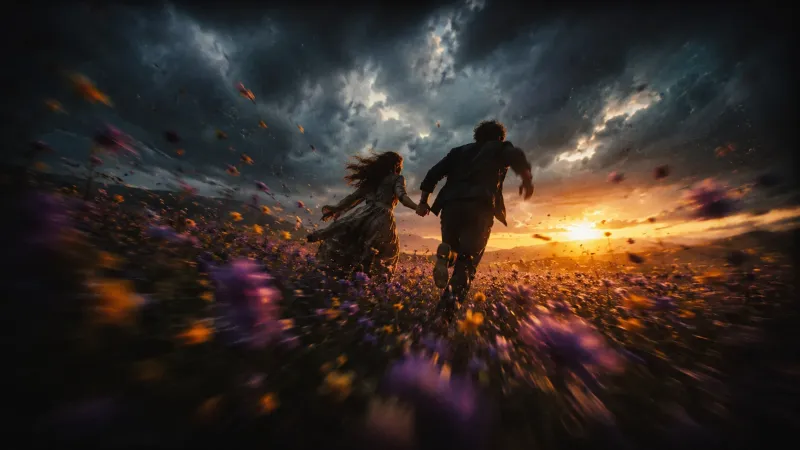
Desperate Run Through Flower Field at Twilight
GPT Image 2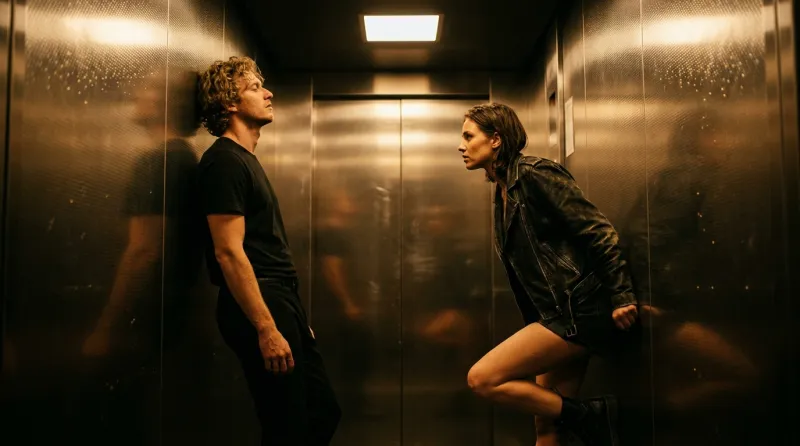
Moody Elevator Standoff – Cinematic Portrait
Nano Banana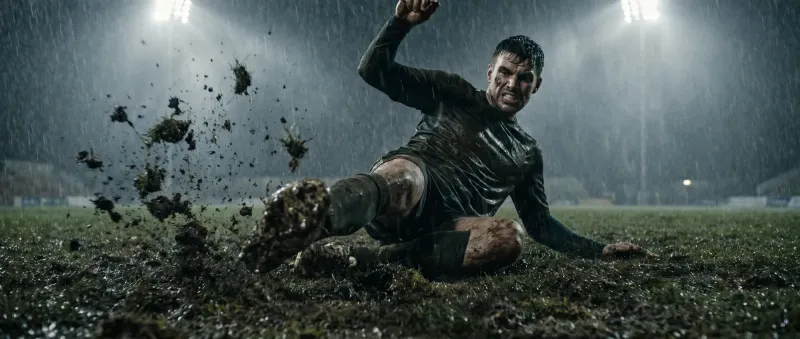
Gritty Soccer Slide Tackle in Rain
Nano Banana
Sultry 1970s Pool Hall Film Still
GPT Image 2