Professional Character Turnaround Sheet Prompt
A ready-to-use AI image prompt for creating a professional 3-view character reference sheet with front, side, and back perspectives, plus facial expression details on a clean white background.
Prompt Body
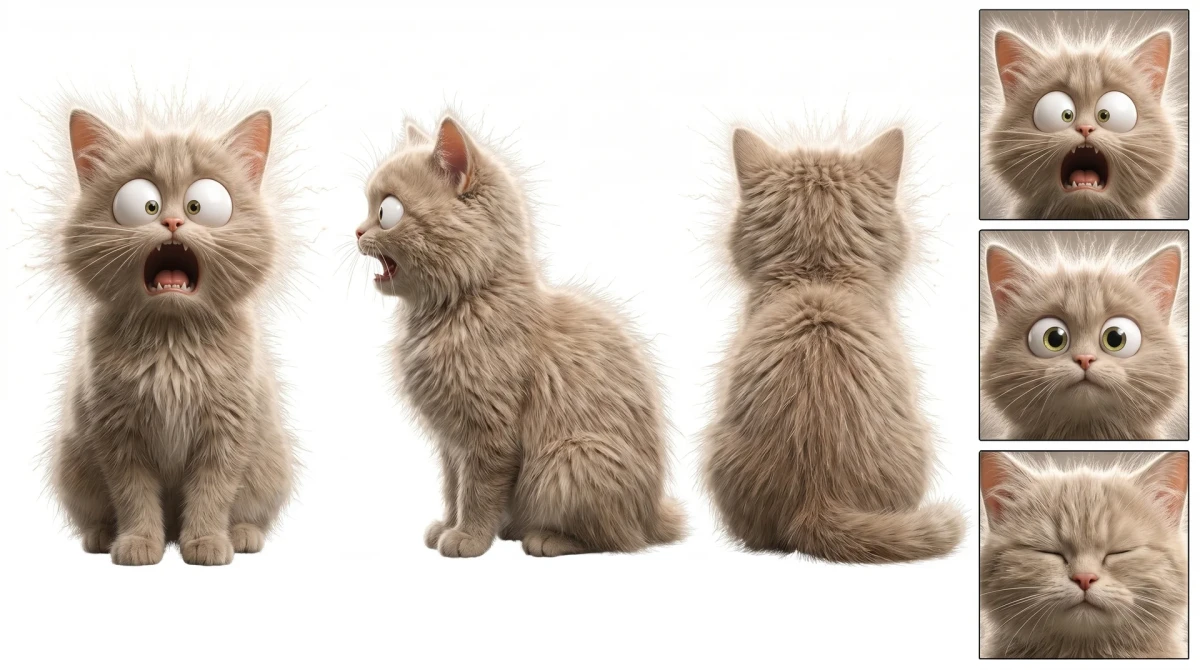
A professional 3-view character reference sheet (turnaround), featuring front, side, and back perspectives. The artwork depicts full-body views with all angles horizontally aligned, maintaining consistent character proportions and clothing details. The background is pure white, and the artistic style is realistic. The right side displays close-up details of the character's face, showcasing three distinct facial expressions. The image contains no accompanying text.
Rate this prompt:
Guide & Practical Tips
How to use this prompt
This prompt is designed for Nano Banana's image-to-image (i2i) workflow. To achieve the best results, start with a clear reference image of your character (e.g., a front-facing concept art or photo). Use the prompt to guide the model in generating a full turnaround sheet with front, side, and back views, all horizontally aligned. The prompt assumes a pure white background and realistic style. You can adjust the subject description to match your character.
Best use cases
- Character design portfolios
- Game asset reference sheets
- Concept art turnarounds for animation or 3D modeling
- Character style guides for consistent illustration
What to adjust
- Subject: Replace 'a professional 3-view character reference sheet' with specific character traits (e.g., 'a medieval knight', 'a sci-fi robot').
- Expressions: Modify the three facial expressions (e.g., happy, angry, surprised) by describing them in the prompt.
- Background: Keep pure white for clean cutouts, or change to a subtle gradient if needed.
- Style: The prompt specifies 'realistic'; you can change to 'stylized', 'cartoon', or 'semi-realistic' for different looks.
Common mistakes
- Inconsistent proportions: Ensure the character description is identical across views to maintain consistency.
- Missing alignment: Specify 'horizontally aligned' to avoid scattered poses.
- Too much detail: Keep the prompt focused on the turnaround structure; avoid overcomplicating the background or adding extra elements.
- Ignoring reference: For i2i, provide a clear, well-lit reference image to guide the model.
Variations
- Color-coded turnaround: Add color swatches or labels for design notes.
- Action poses: Replace static standing poses with dynamic action stances.
- Costume breakdown: Include close-ups of accessories or clothing details.
- Expression sheet only: Isolate the face expressions as a separate panel.
You might also like
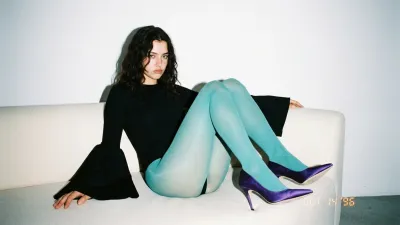
90s Flash Fashion Editorial Portrait
Nano Banana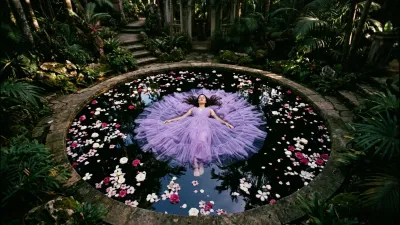
Dark Romantic Top-Down Portrait
Nano Banana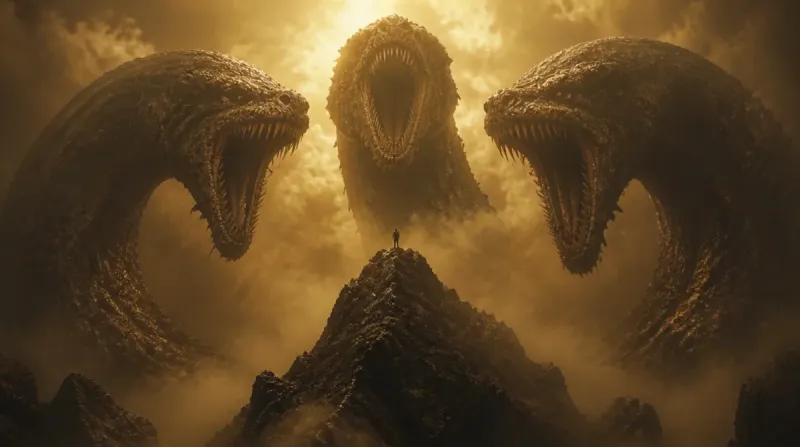
Human vs Colossal Eldritch Serpents
GPT Image 2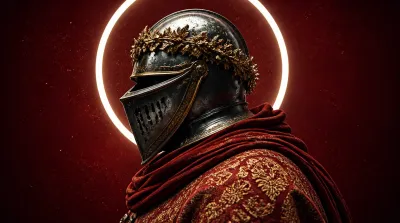
Dark Fantasy Knight with Neon Halo
GPT Image 2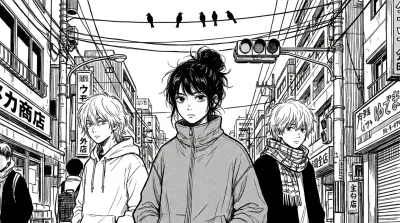
Monochrome Manga Street Portrait Prompt
Nano Banana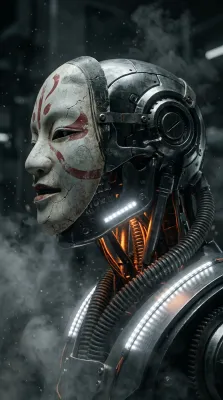
Cyborg Noh Mask Portrait Prompt
Nano Banana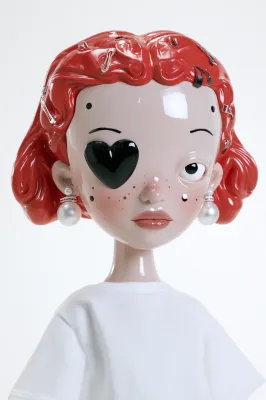
Y2K Fashion Doll Portrait
Midjourney