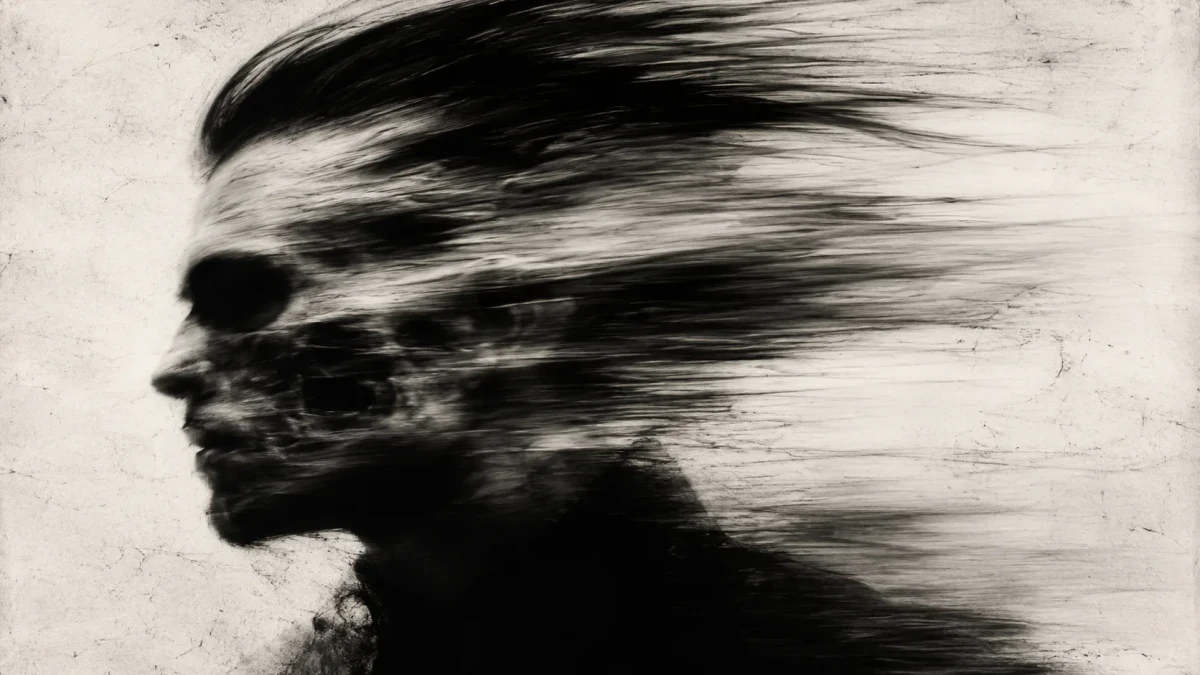
High Contrast Motion Blur Portrait Prompt
A high-contrast monochromatic portrait with intense horizontal motion blur, creating a ghostly kinetic silhouette. Perfect for abstract cinematic AI images.
Prompt Body
Cinematic abstract profile portrait of a person facing left, heavily distorted by intense horizontal motion blur. The facial features are smeared and stretched backward, creating a ghostly, kinetic silhouette that resembles a distorted skull. Strong dynamic movement is felt throughout the head and hair area. Deep black shadows contrast with bright highlights. The background is an off-white textured surface. High-contrast monochromatic style with raw, aggressive energy and artistic motion blur effect, blending photographic realism with expressive, charcoal-like distortion.
Rate this prompt:
Guide & Practical Tips
How to use this prompt
This prompt creates an abstract profile portrait with intense horizontal motion blur that distorts the subject into a ghostly, kinetic silhouette. The key is to maintain the direction of the blur (horizontal, from left to right) and the high-contrast monochromatic palette. For best results with GPT Image 2, write the prompt in natural language as shown—avoid adding filler terms like “masterpiece” or “ultra realistic.” Keep the subject facing left, and ensure the background remains an off-white textured surface to preserve the stark contrast.
Best use cases
- Album covers or music singles needing an edgy, abstract visual
- Editorial poster art for fashion, film, or contemporary culture
- Social media profile images with a distinctive artistic style
- Art print series exploring motion and identity
- Abstract website hero sections for creative portfolios or studios
What to adjust
- Subject details: Change gender, age, hairstyle, or clothing while keeping the profile orientation.
- Blur intensity: Remove “intense” or modify the description to “subtle motion blur” for a softer effect.
- Background: Swap the off-white texture for a gradient, grunge paper, or dark surface to alter mood.
- Aspect ratio: Use 1:1 for avatars, 4:5 for Instagram feed, or 16:9 for video thumbnails.
- Color: Replace “monochromatic” with a two-tone scheme (e.g., cyan and magenta) for a pop-art variation.
Common mistakes
- Overdoing the blur: If the silhouette becomes unrecognizable, reduce the motion blur strength by using “subtle horizontal motion blur” instead of “intense.”
- Losing contrast: Ensure black shadows and bright highlights are explicitly mentioned; without them, the image can appear muddy.
- Adding color: Stick to the monochrome palette; introducing even a hint of color can break the intended raw, aggressive energy.
- Wrong subject orientation: The subject must face left for the blur to stretch features backward—facing right will reverse the effect.
Variations
- Color motion blur: Replace the monochromatic palette with a single vibrant hue (e.g., deep red or electric blue) for a dramatic color study.
- Softer blur: Use “gentle motion blur” for a dreamy, ethereal portrait.
- Full silhouette: Remove facial features entirely and describe only the silhouette of the head and shoulders.
- Textured background: Add a description of canvas, charcoal dust, or film grain for a more tactile feel.
- Double exposure: Overlay a second blurred image (e.g., a cityscape or floral pattern) to create layered meaning.
You might also like
Surreal Black-and-White Cinematic Portrait – Birds from Void
GPT Image 2
Desperate Run Through Flower Field at Twilight
GPT Image 2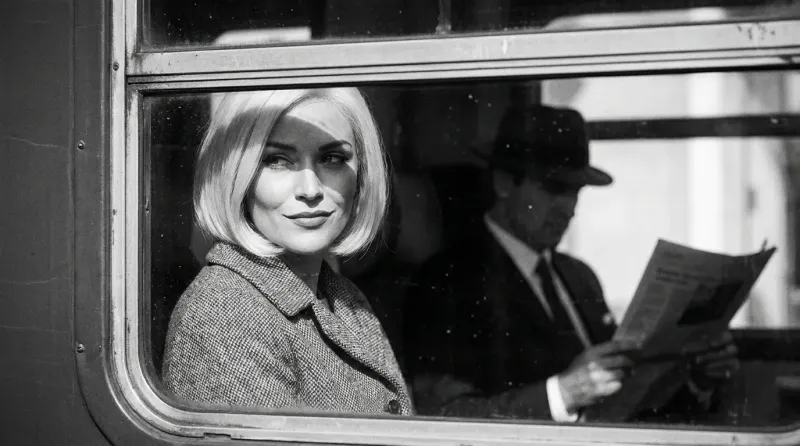
Vintage Noir Train Portrait
Nano Banana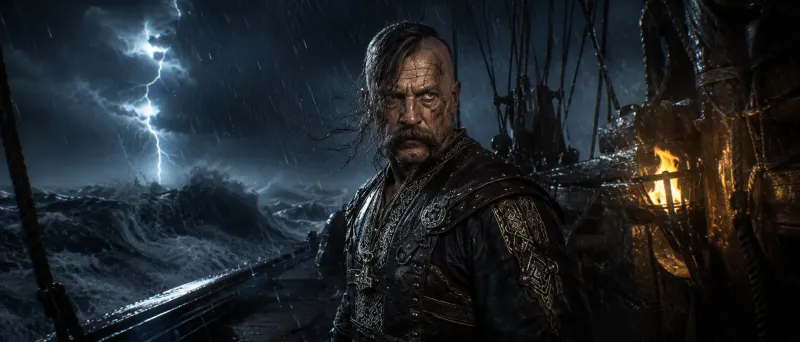
Fierce Cossack-Viking Chief in Storm
GPT Image 2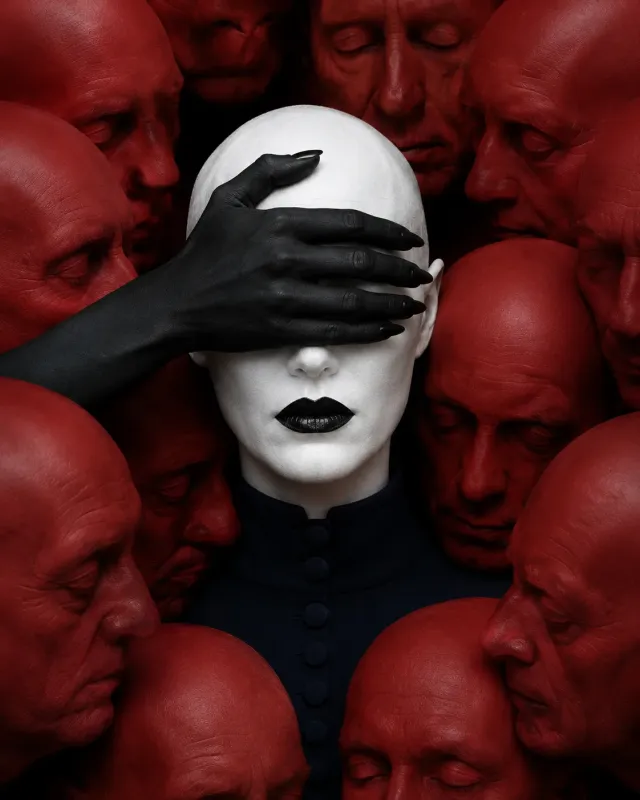
Hyper-Realistic Surreal Tri-Color Portrait Prompt
GPT Image 2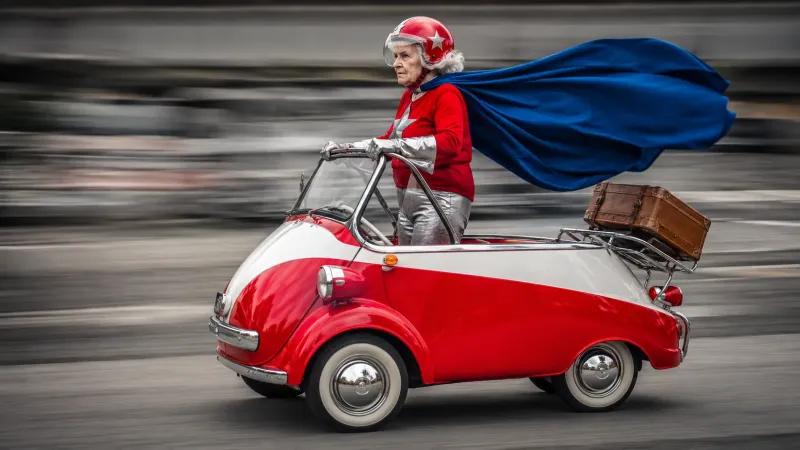
Retro Superhero Panning Shot Prompt
GPT Image 2
Cyberpunk Mechanic vs Cyborg Argument
GPT Image 2